Engineering story
Pixel precision and safe coordinates
Read the engineering story about pixel-art previews and coordinate-safe image editing.

Linux image and sprite previewer
A Linux image viewer for pixel artists and game developers. Inspect images at sharp zoom levels, play sprite sheets as animations, read pixel colors, crop and export, or open files from GNOME Files.
Project snapshot · measured 2026-10-26
| Week starting | Commits |
|---|---|
| 2026-08-03 | 1 |
| 2026-08-10 | 0 |
| 2026-08-17 | 0 |
| 2026-08-24 | 13 |
| 2026-08-31 | 1 |
| 2026-09-07 | 1 |
| 2026-09-14 | 0 |
| 2026-09-21 | 14 |
| 2026-09-28 | 0 |
| 2026-10-05 | 2 |
| 2026-10-12 | 0 |
| 2026-10-19 | 0 |
Python, GTK4/PyGObject, Pillow, unittest, GNOME Files (Nautilus) integration
Why SpriteView
General image viewers soften small artwork when enlarged and make sprite sheets awkward to inspect. SpriteView is built for pixel-level review: it keeps scaling crisp, shows image details and colors, and gives sprite animations and image sequences their own controls.
Screenshots
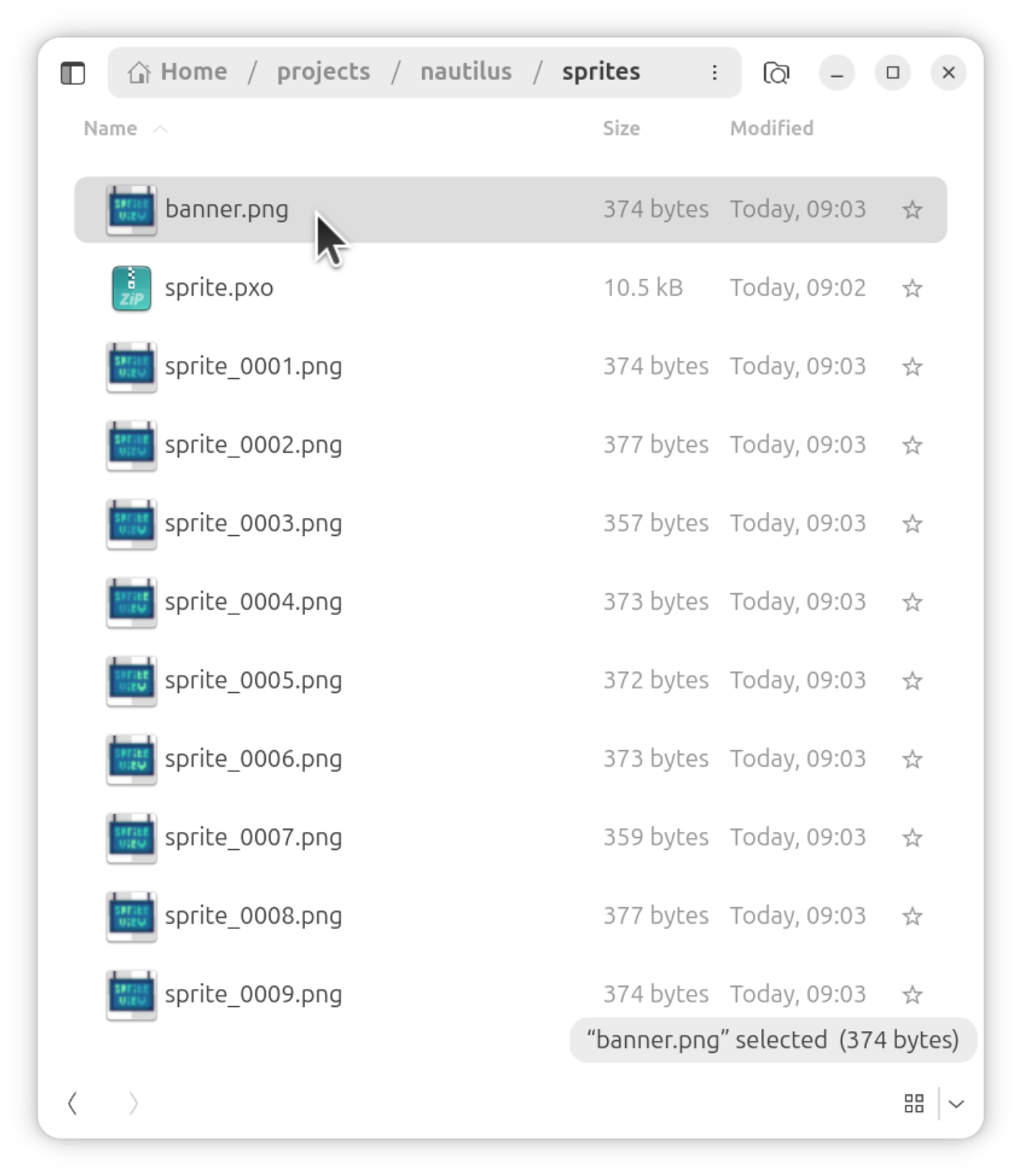
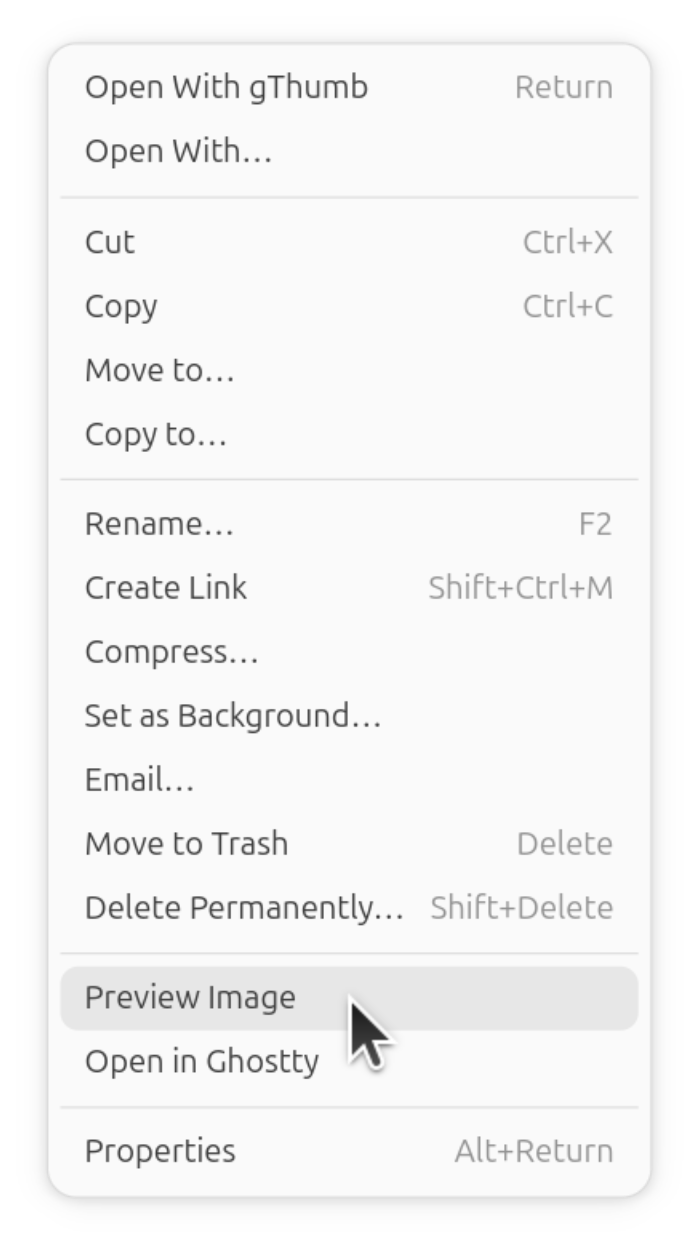
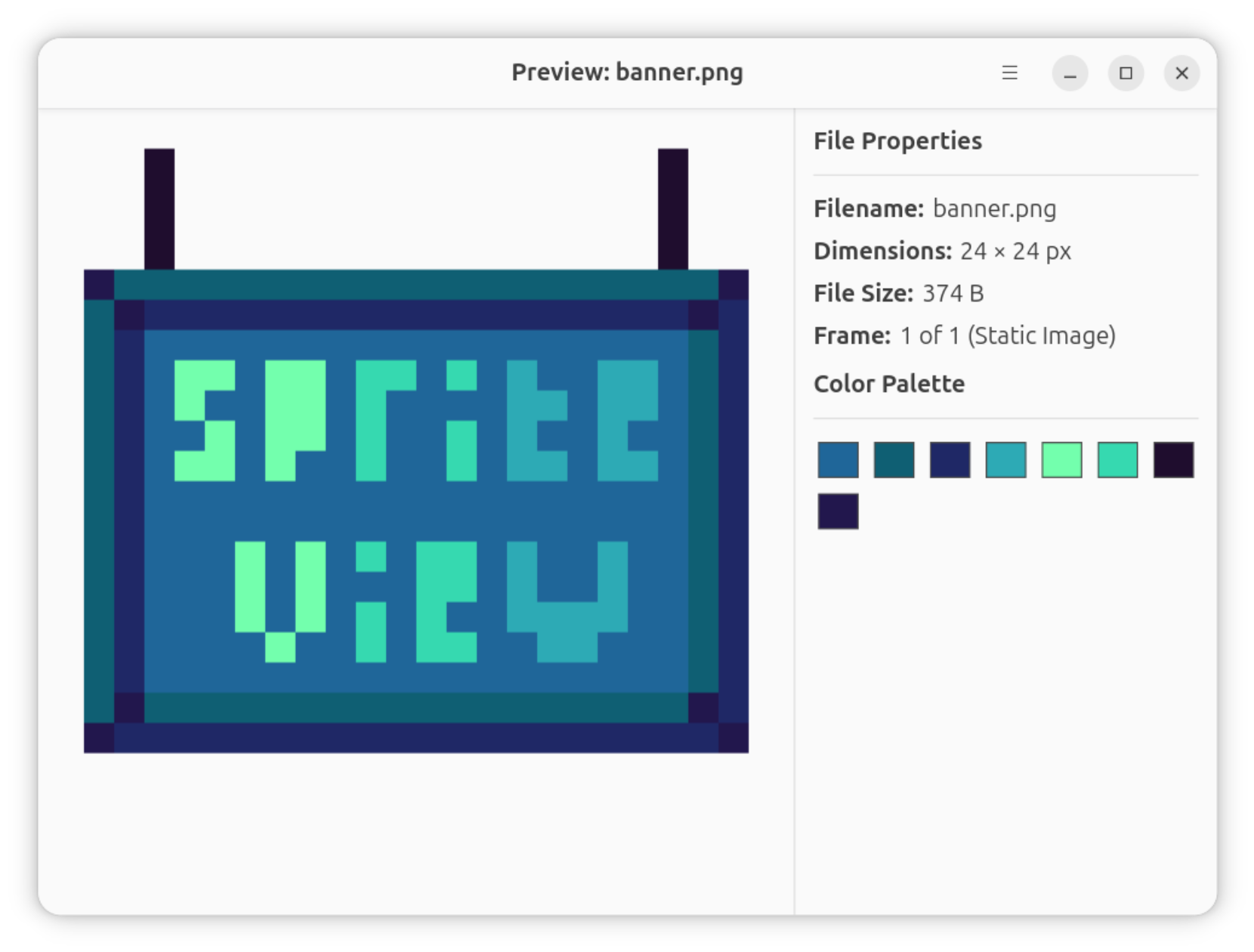
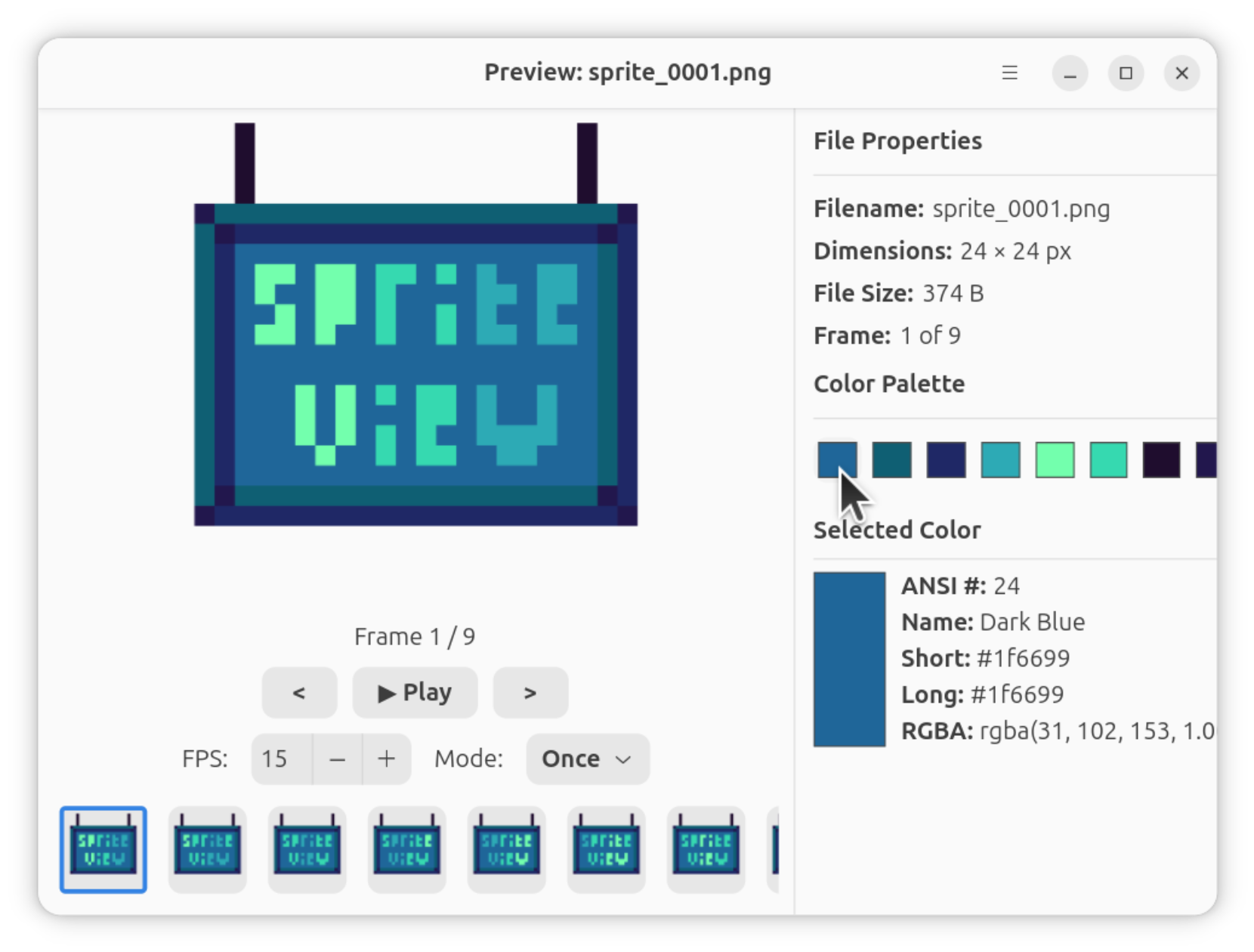
Capabilities
Enlarge pixel art with nearest-neighbor scaling and navigate around the image.
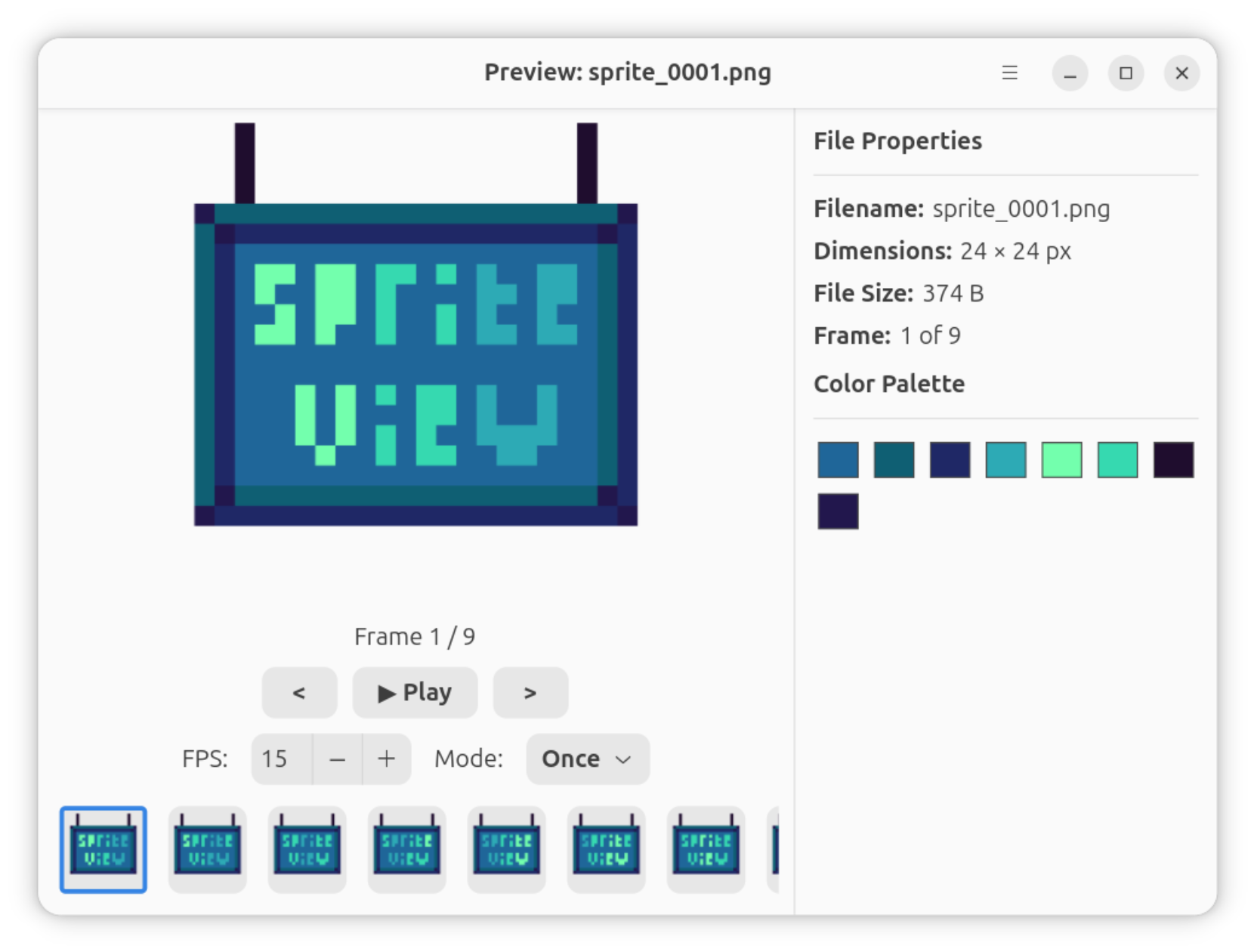
Play sprite sheets, step through frames and inspect detected sequences.
Inspect image properties, sample pixel colors and review the dominant palette.
Select image regions and export supported image and animation formats.
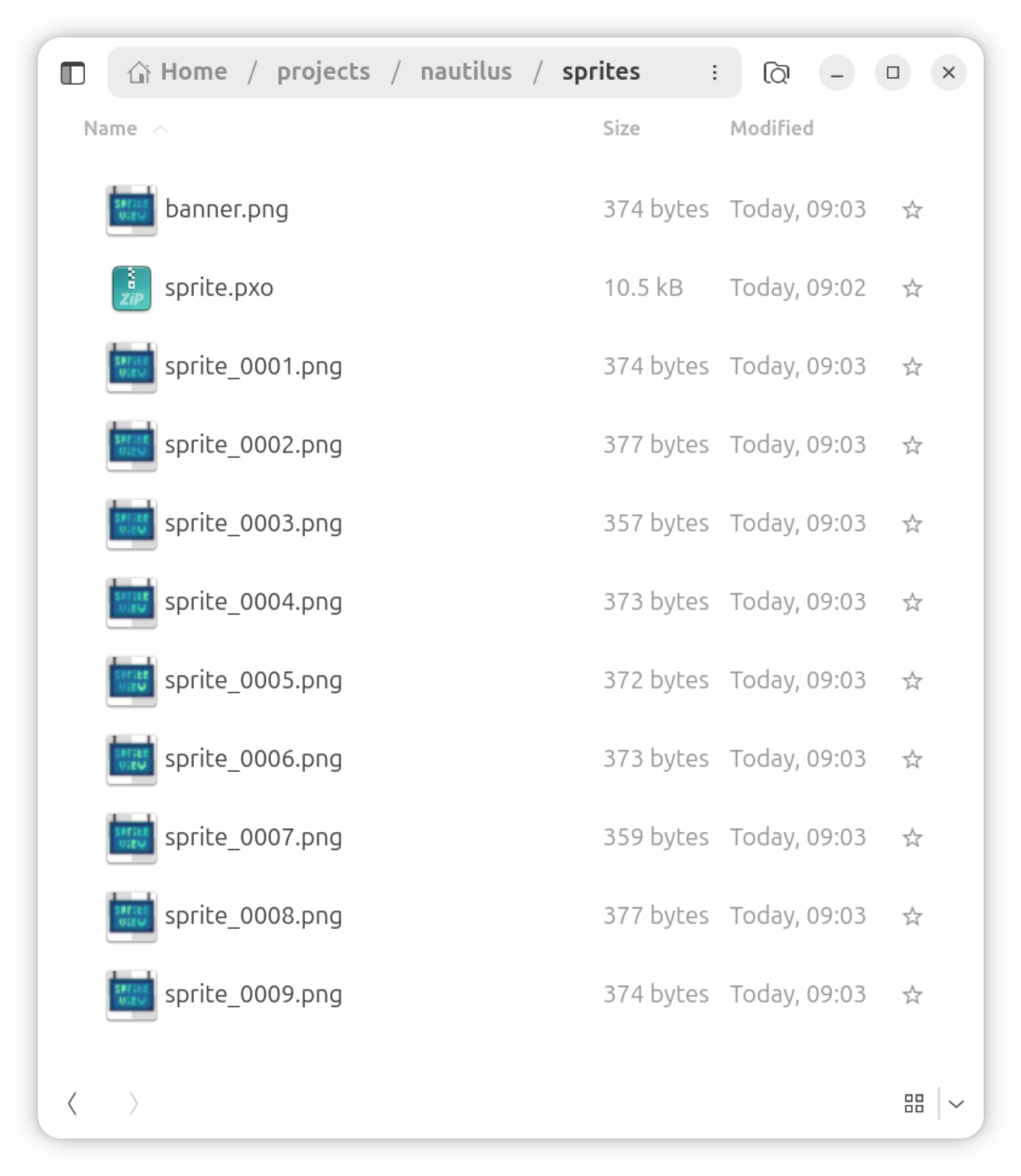
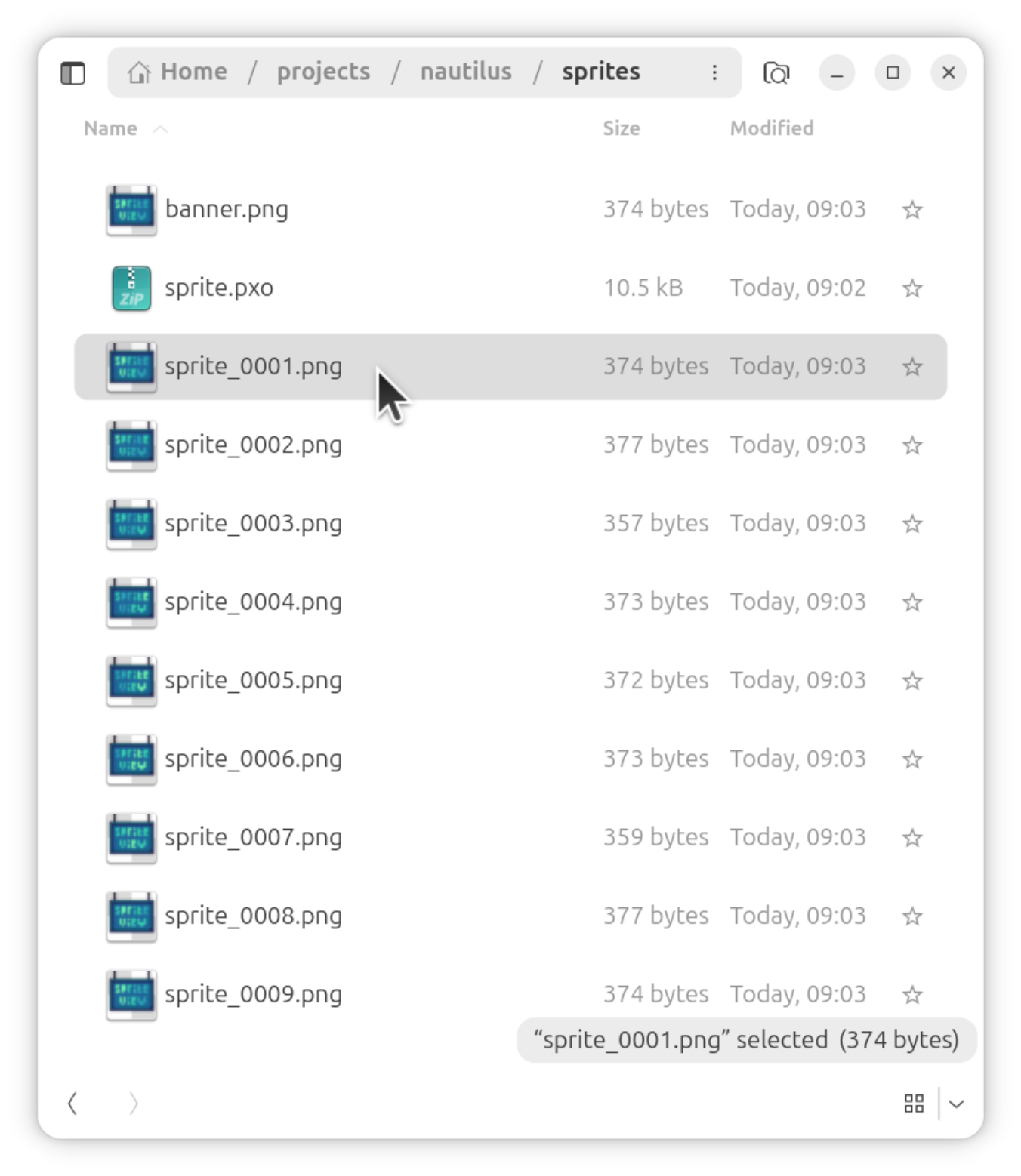
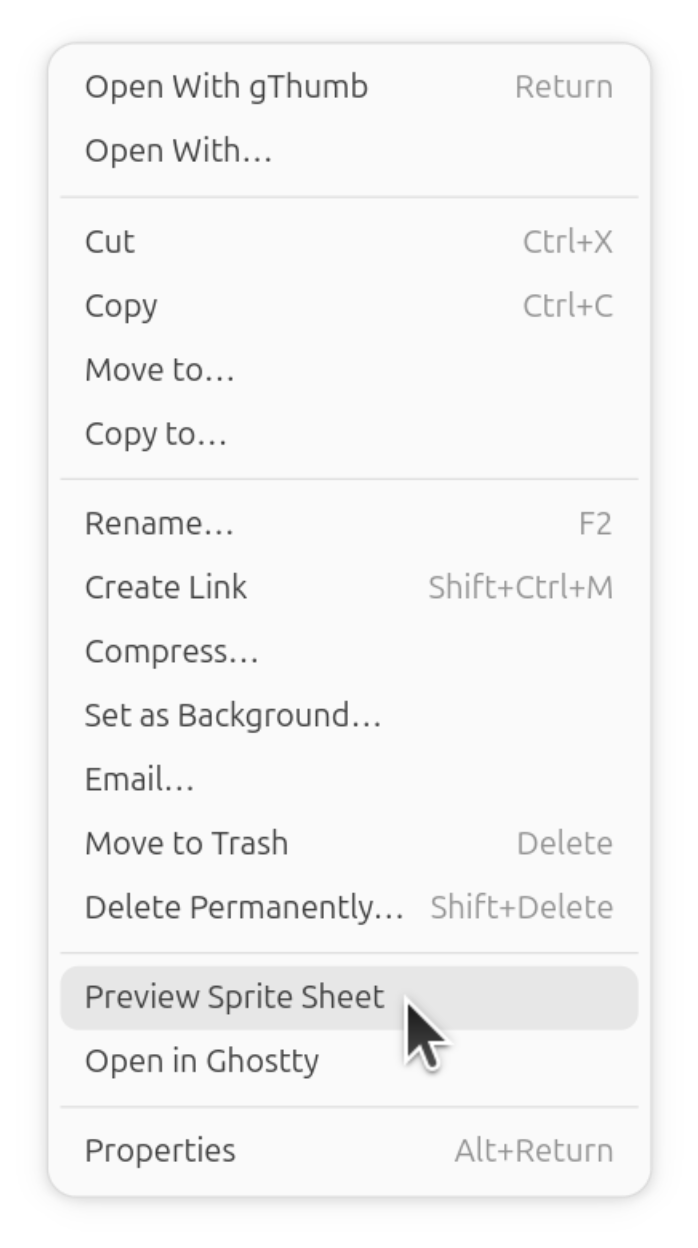
Open supported images from the file manager's context menu or use the standalone CLI.
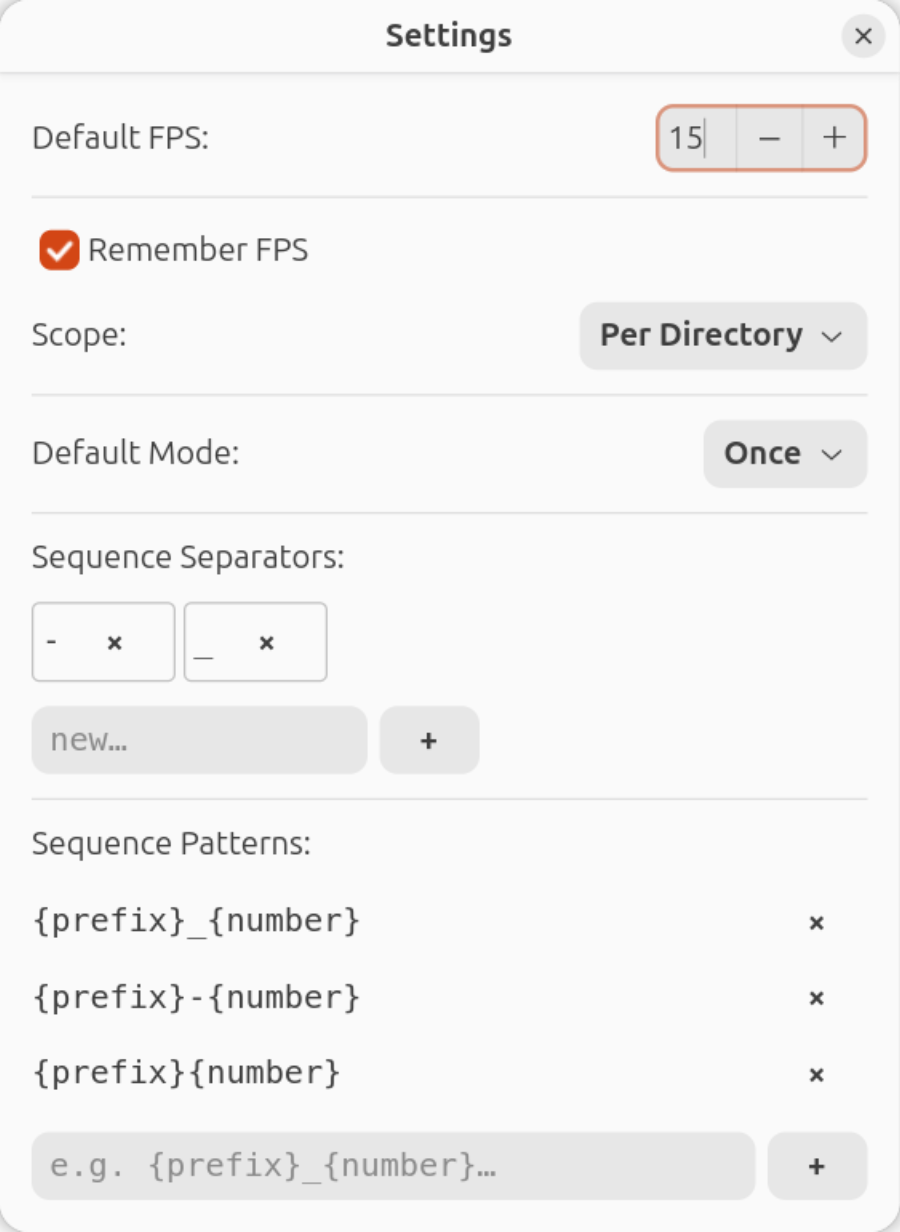
Configure playback speed, preview mode and sequence detection preferences.
Quickstart
Install the GNOME Files bindings for your distribution, then run the project installer. Restart GNOME Files when installation completes.
curl -sSL https://codeberg.org/ubunatic/spriteview/raw/branch/main/scripts/install.sh | bashRight-click a supported image in GNOME Files and choose Preview Image or Preview Sprite Sheet. The installed spriteview command can also preview files and sequences or export them from a terminal; run spriteview --help for options.
Engineering story
Read the engineering story about pixel-art previews and coordinate-safe image editing.
Architecture
Engineering story
SpriteView is a small Linux desktop image viewer for pixel artists and developers. The problem it takes on is practical: inspecting sprite sheets and image sequences needs more than opening a file. People need crisp zoom, frame playback, pi…
Read the engineering story